

If you selected “Waiting for results” During your UTME registration, you Must be uploaded immediately after O’Level results are released. Failure to do so may prevent your admission from being processed even after you pass the exam or UTME.
This step is mandatory for all candidates who are waiting for their results using:
- West African Examinations Council (WAEC)
- National Examinations Council (NECO)
- National Business and Technology Examination Board (NABTEB)
All uploads are processed through the official Joint Admissions and Matriculation Portal.
In this guide, you’ll learn:
- Where to upload
- Upload fee
- step by step process
- How to verify upload
- Common mistakes to avoid
Why you must upload your O’Level results to JAMB
Many candidates think that writing UTME is enough. This is incorrect.
No O’Level results for you door frame capyou:
- Cannot be considered for admission
- You cannot receive your admission letter
- Unable to print admission notice
- You may lose your place at school
Even if your school admits you, JAMB will not approve it Until your results are uploaded.
Where to upload your O’Level results
Important: You can’t upload it yourself from home. Uploading must be done only at: Certified by JAMB CBT Center.
Internet cafe or personal upload not accepted.
Upload requirements
Before visiting a CBT center, please bring:
- Original O’Level results (WAEC/NECO/NABTEB)
- Printed copy of results
- JAMB registration number
- Phone number used when registering
- Upload service fee (usually ₦1,000 – ₦2,000, depending on the center)
Step by Step Instructions: How to Upload O’Level Results on JAMB Portal
Please follow these simple steps:
- Preparing published O’Level results
- Visit your nearest accredited JAMB CBT center
- Require “O’Level Score Upload”
- Provide your JAMB registration number
- Submit your scan results
- Pay service fee
- Confirm upload before leaving
The operator will upload it directly to your JAMB profile database.
How long does reflection take?
- generally immediate
- sometimes 24–48 hours
- Rare: most 1 week
Don’t panic if it doesn’t show up right away.
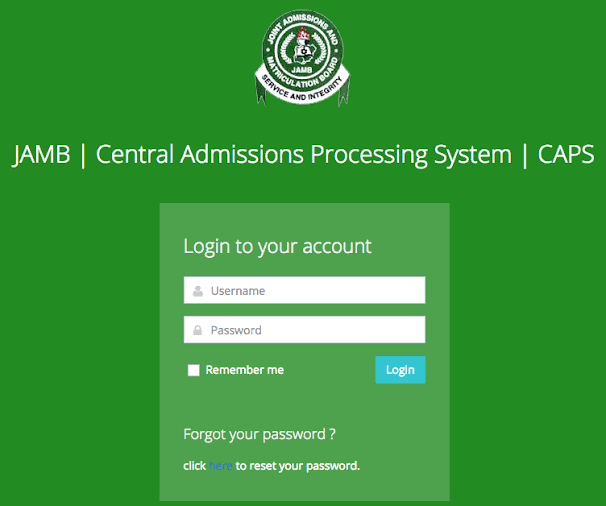
How to verify your results have been uploaded (JAMB CAPS)
After uploading, use the following steps to confirm online:
Check steps:
- access https://www.jamb.gov.ng
- Click Electronic facility login
- Enter email and password
- Click Check admission status
- choose Access limit
- tap My O’Level results
If uploaded correctly, your results will be displayed.
If nothing shows up, please visit the CBT Center again to make corrections.
Common mistakes to avoid
Many candidates lose admission due to small mistakes:
- Upload in Internet cafe
- Using wrong exam number
- Upload incomplete results
- Waiting time after admission starts is too long
- Forgot to verify on CAPS
Always double check everything.
Frequently Asked Questions (FAQ)
Can I upload the results myself?
Can’t. Only accredited CBT centers can upload.
How much does it cost to upload?
Usually ₦1,000–₦2,000.
Can I upload it twice?
Yes, if you combine two sittings or correct errors.
Is uploading necessary?
Yes. Without it, admission is impossible.
Can I use an agent twice?
Yes. JAMB accepts the combined results.
Final advice to candidates
If you registered Waiting for resultsupload your results immediately for publication.
Don’t delay until admission lists start coming out.
Your UTME marks + O’Level marks + Post-UTME marks together determine your admission. Missing one could cost you everything.
