
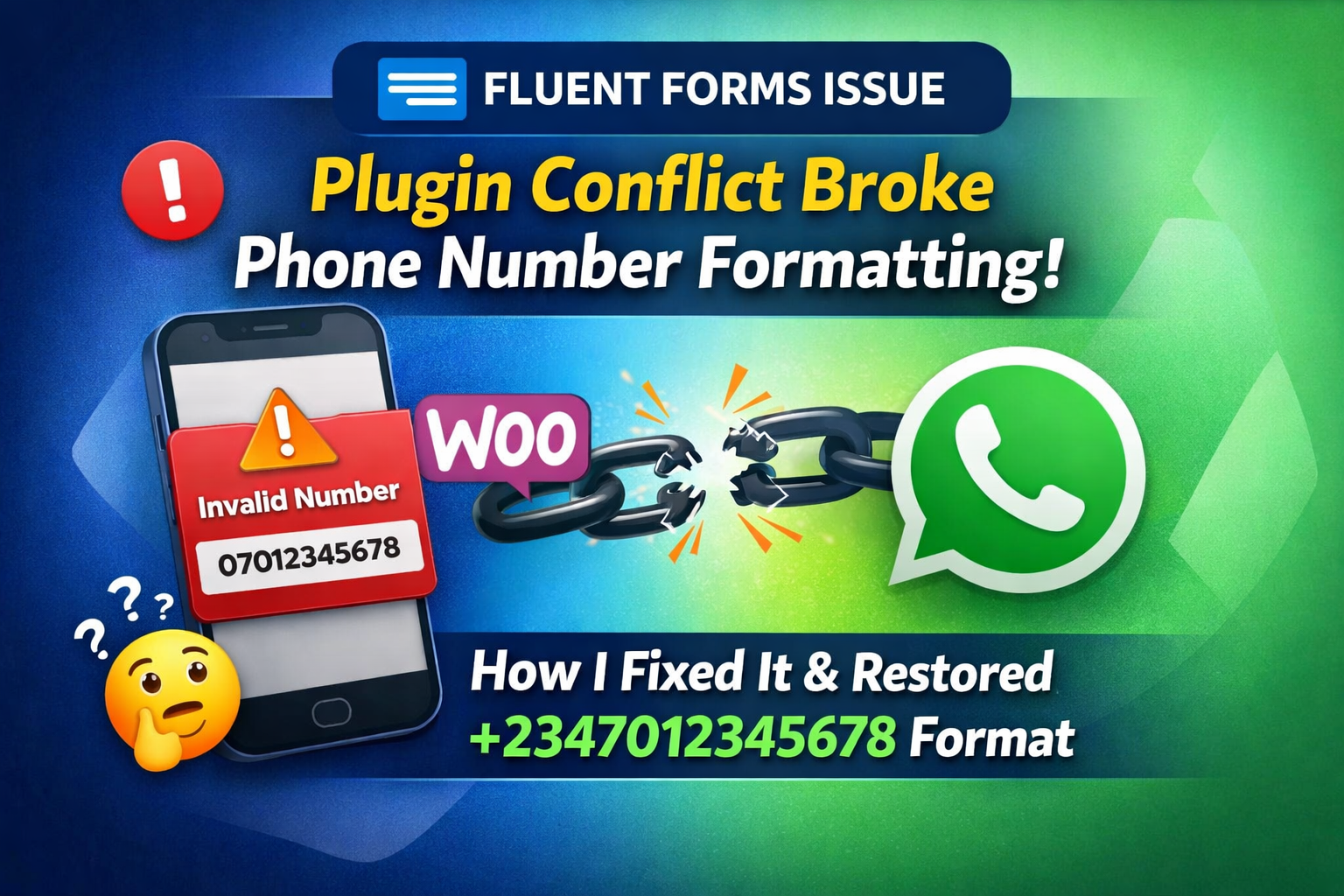
Recently, I encountered a frustrating issue after updating the Fluent Forms plugin on WordPress.
Everything was working fine before the update. But just after updating, I discovered something strange…
Phone numbers submitted by potential customers are no longer stored in an international format.
This is a serious problem.
Let me explain.
Problem: Saved phone number does not have country code
On my landing page, I use Fluent Forms to collect leads.
The Fluent Forms phone number field is configured correctly:
- ✅ Enable automatic country selection
- ✅ International format expected
- ✅ Required fields
- ✅ For automatic WhatsApp follow-up
However, after the update, the phone number is saved as follows:
07012345678instead of:
+2347012345678There are two main issues here:
- ❌ No country code
- ❌ Local format rather than international format
In order for WhatsApp automation to work properly, the number must:
- Contains the country code (for example, +234 for Nigeria)
- no spaces
Without this, automatic WhatsApp messages will fail.

Why is this a big problem for my marketing system?
As someone who builds digital marketing systems and automated pipelines, this isn’t just a small formatting issue.
The phone number is automatically pushed to the WhatsApp automated system.
If the number does not contain a country code:
- API doesn’t recognize it
- Message will not be sent
- Lead cools
This means:
- Wasted ad spend
- Automation broken
- potential lost sales
So I have to fix it as soon as possible.
Step 1: Check Fluent Forms settings
Of course, I’m assuming something changed with Fluent Forms after the update.
I checked the Fluent Forms Phone field settings:
- Authentication options (if enabled)
- Automatic country selection option (if selected)
Everything looks correct.
Nonetheless, these figures are not saved in an international format.
I suspected then that there was something deeper.
The real culprit: plug-in conflicts
After some troubleshooting, I found the real reason.
This is not fluid form.
This is a plugin conflict.
The plugin causing the problem is:
👉 Phone Validator for WooCommerce
This plugin interferes with the way Fluent Forms internally handles phone number formatting.
Even though it is for WooCommerce validation, it is affecting global phone field behavior across the website.
Classic WordPress plug-in conflict.
How do I confirm a conflict
This is what I did:
- Disable all non-essential plugins
- Tested form submission
- Phone number stored correctly with country code
- Reactivate plugins one by one
- Problem returns immediately after startup Phone Validator for WooCommerce
Prosperity 💥
Conflict confirmed.
Fix
Simple:
I deactivated Phone Validator for WooCommerce.
Immediately:
- Phone numbers start being stored in international format
- +234 correctly attached
- No unnecessary space
- WhatsApp automates flawless recovery work
Problem solved.
final thoughts
If your Fluent Forms phone number is not stored in international format after updating:
Don’t panic.
Check for plugin conflicts – especially the following plugins:
- Verify phone number
- Modify WooCommerce fields
- Added input mask
- Change front-end validation
In my case, deactivate Phone Validator for WooCommerce Everything was fixed immediately.
My WhatsApp automation system now works perfectly again.
If you are building an automated pipeline, lead generation system or WhatsApp marketing process, then you should be aware of this.
Sometimes, the smallest plugin can quietly break your entire marketing engine.
Like what you read?
Sign up to have articles like this delivered to your email inbox.
